
E-commerce plugins
Shopify
Accept Kashier payments on your Shopify store

Accept Kashier payments on your Shopify store by installing the Kashier Online Payments app from the Shopify marketplace.
Features
- Fully PCI DSS compliant as a Level 1 Service for merchants operating in Egypt.
- Embedded checkout. Customers pay on your site via a Payment Session, no redirect.
- 3D Secure card authentication support.
- Supports multiple payment methods:
- Card payments
- Wallet payments
- Bank installments payment
- Supports acquiring multiple currencies: "EGP, USD, GBP, EUR".
- Plug and play.
Prerequisites
- Account on the Kashier platform
- A store on Shopify.
- In case of test mode, make sure your email is verified.
Note
Test mode is available on the Shopify integration.
Integration steps
- Navigate to the Kashier Online Payment app in the Shopify marketplace.
- Make sure you are logged in to your Shopify store.
- Click the "Add App" button to start the installation to your Shopify website.
Installation steps
- Go to the Kashier app page on Shopify.
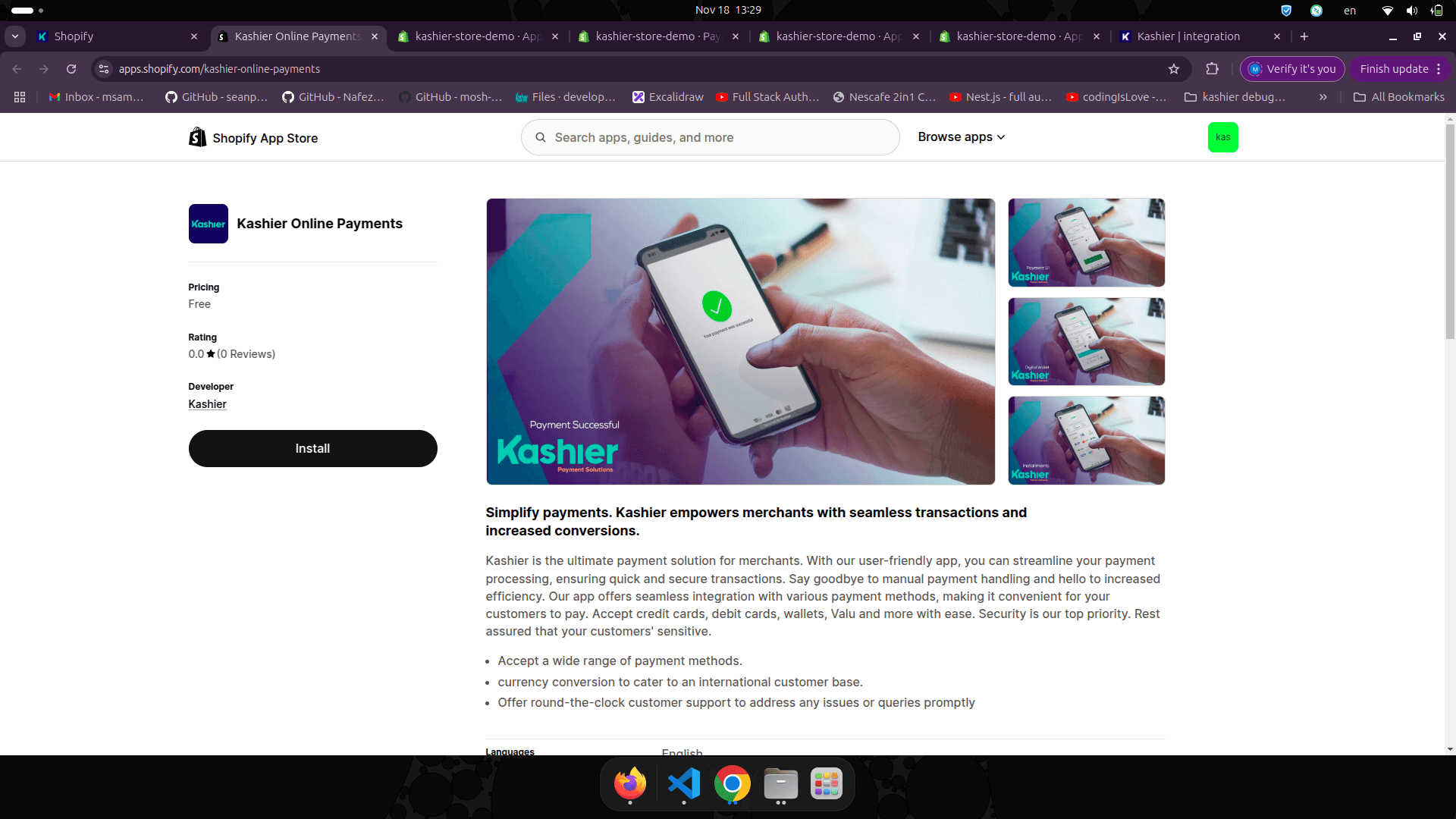
- Click on the "Install" button as shown below.
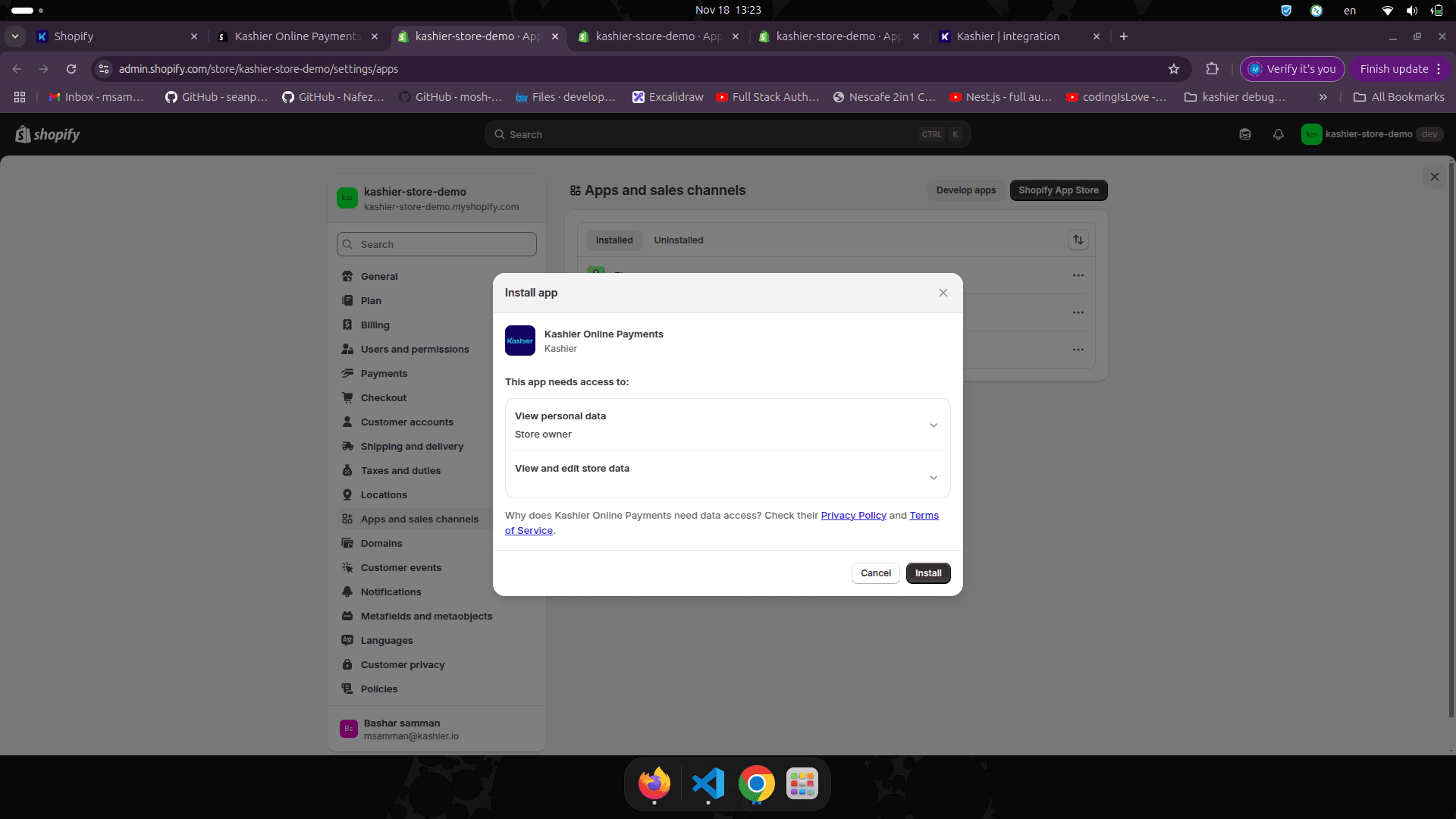
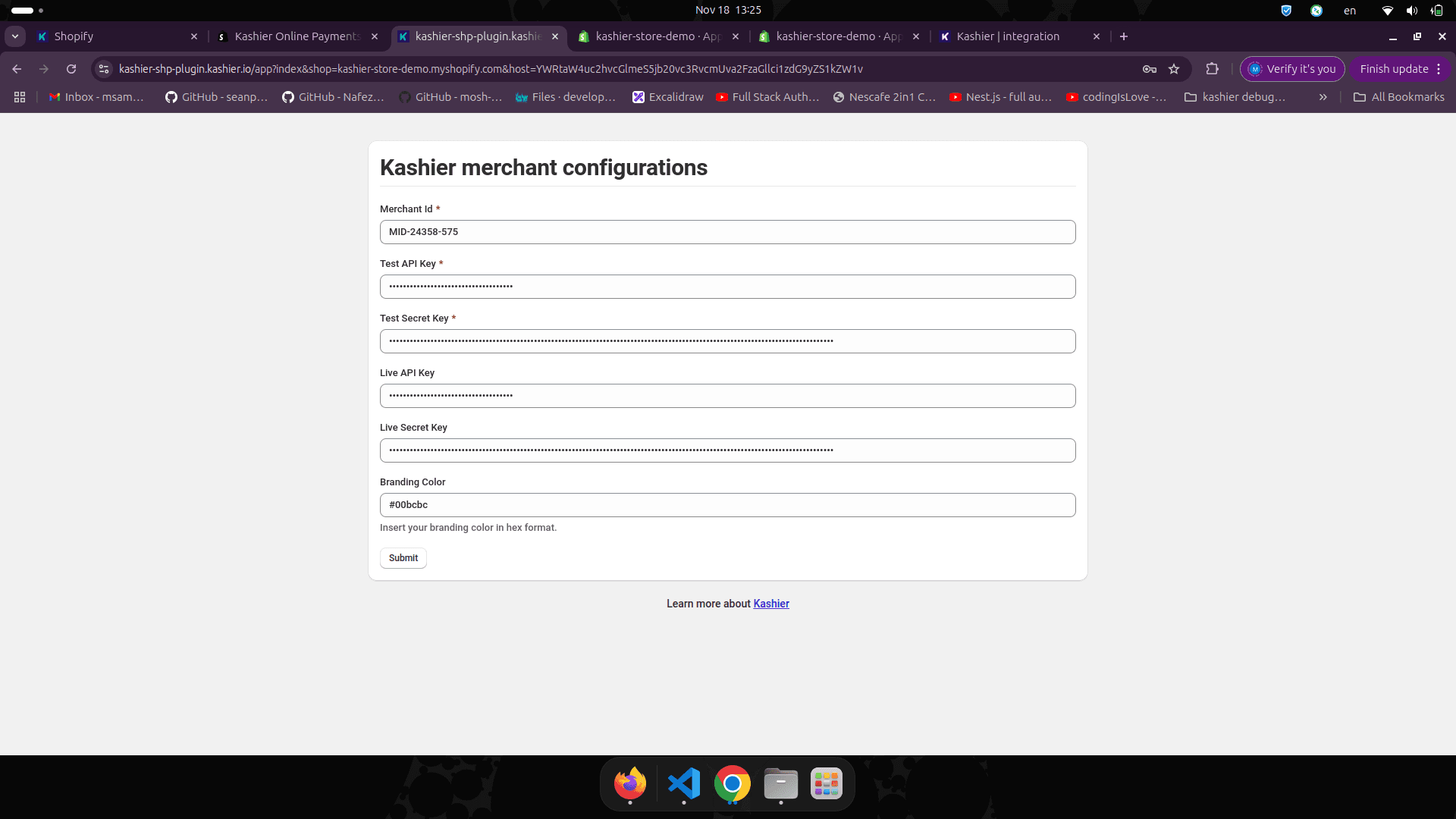
- This will redirect you to the Kashier app configuration page to fill in some configuration keys as shown below. Learn more about obtaining your merchant ID and keys.
- After filling in the required configuration keys, click the "Return to shopify" button.
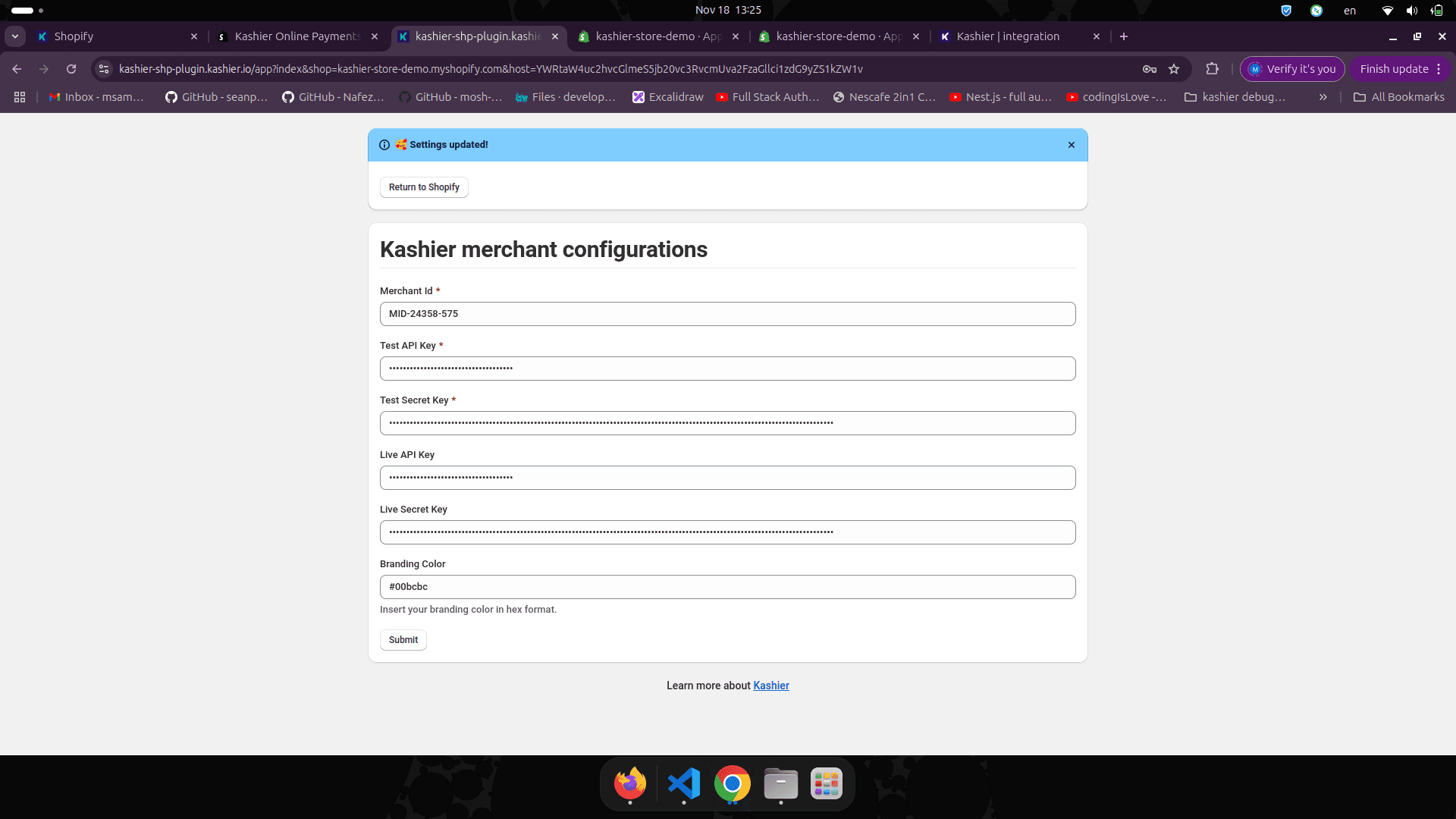
- This will redirect you to the Kashier settings page in your Shopify store.
- Click the "Activate" button as shown below.
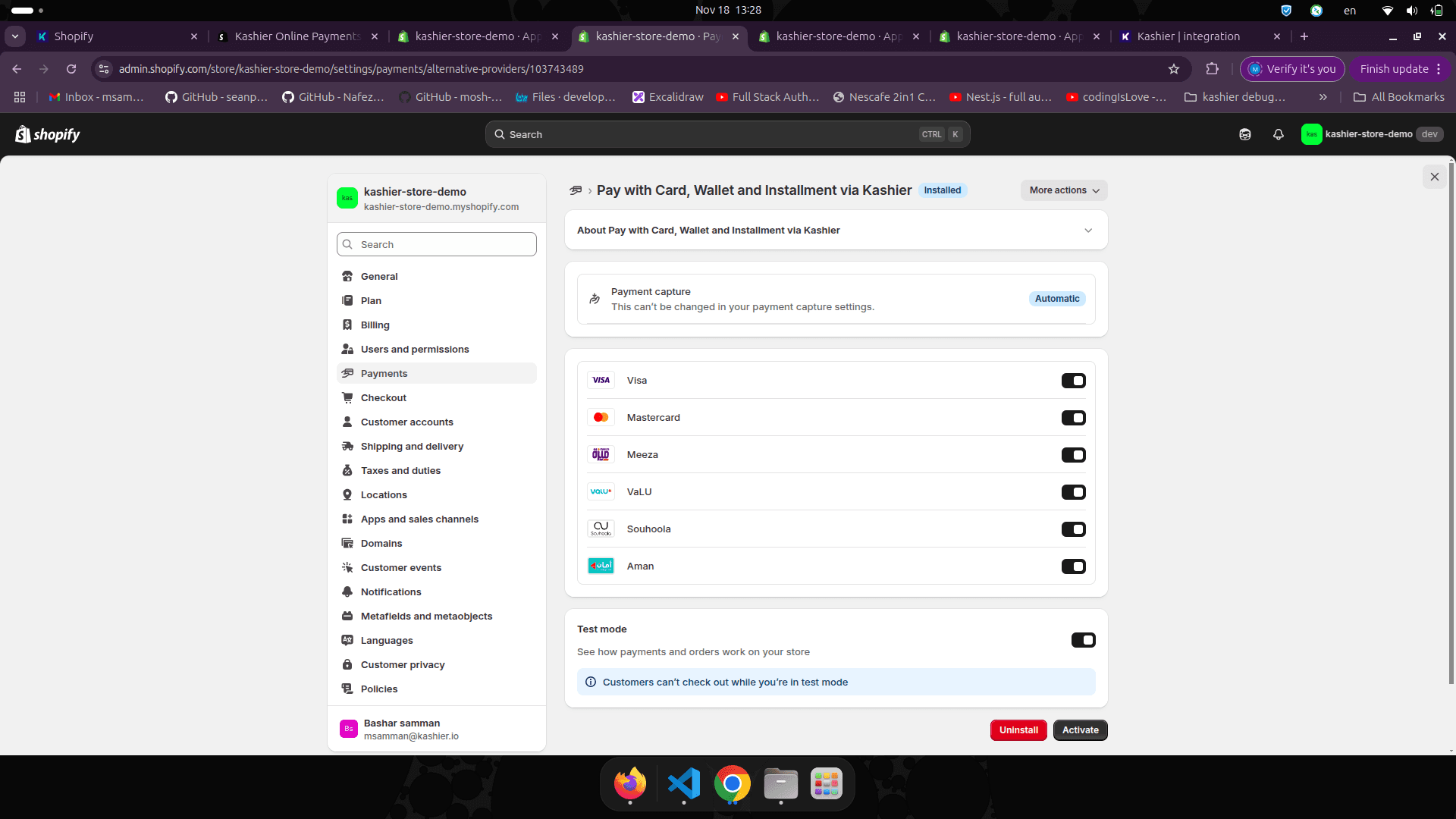
You have now finished installing the latest Kashier Shopify plugin and can start accepting payments.